Choosing the Right Infographic Vector Template for Business: A Practical Guide
What Is an Infographic Vector Template for Business?
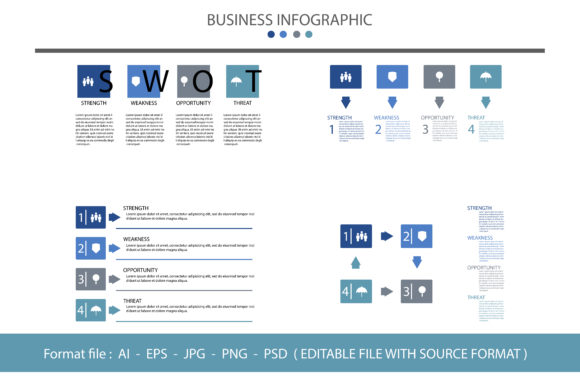
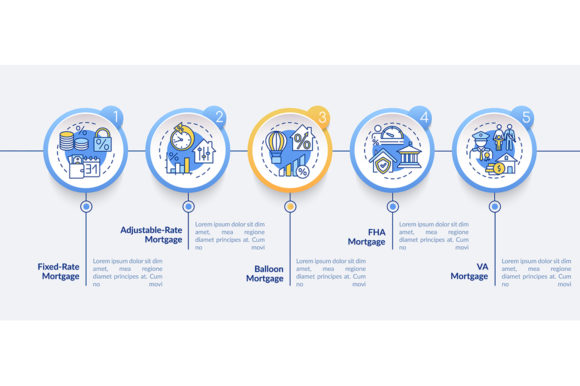
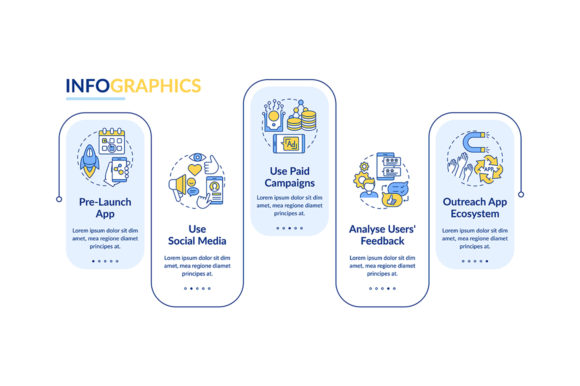
An Infographic Vector Template for Business is a pre-designed visual framework that allows professionals to present complex data, processes, or ideas in a clear, engaging format. Unlike static image-based templates, vector-based designs can be scaled infinitely without loss of quality, making them ideal for both digital and print use. These templates are commonly used in business proposals, reports, presentations, and marketing materials to simplify communication and enhance visual appeal.
What sets these templates apart is their flexibility. Because they are built using vector graphics—often in formats like SVG or AI—they can be easily edited with tools like Adobe Illustrator or free alternatives like Inkscape. This means users can adjust colors, fonts, shapes, and layouts to match brand guidelines or specific messaging needs without compromising image clarity.
How It Stands Against Alternatives
When evaluating visual communication tools, professionals often compare Infographic Vector Templates for Business with other formats such as raster-based templates (like PNG or JPEG), slide-based tools (like PowerPoint or Canva), and custom-designed infographics created from scratch.
- Raster-based templates are easier to use for quick edits but suffer from quality loss when resized. Vector templates, by contrast, maintain sharpness at any scale, making them more suitable for multi-purpose use.
- Slide-based tools offer drag-and-drop simplicity and are great for beginners, but they often limit customization. Infographic vector templates provide more control over design elements, which is essential for businesses with strict branding standards.
- Custom infographics offer the highest level of uniqueness but require design expertise and time. Vector templates provide a middle ground—professional quality with reduced development effort.
Strengths and Limitations
One of the key strengths of Infographic Vector Templates for Business is their adaptability. Whether you're presenting financial data, organizational structures, or market trends, these templates can be tailored to fit a wide range of content types. Their compatibility with various editing software also ensures long-term usability, even as design tools evolve.
However, they do come with tradeoffs. Users unfamiliar with vector editing software may face a learning curve. Additionally, while many templates are well-structured, some may require significant tweaking to align with very specific data visualizations or branding needs. In such cases, investing in a custom design might be more efficient, especially for one-time, high-stakes presentations.
Best-Fit Scenarios
Infographic Vector Templates for Business are particularly well-suited for organizations that need to produce consistent, high-quality visuals across multiple departments or over time. For example, a marketing team creating monthly performance reports can benefit from using the same template family to maintain visual continuity and reduce production time.
They are also a strong choice for startups and small businesses that want professional-looking materials without hiring a full-time designer. By purchasing a bundle set of templates, these organizations can cover a range of uses—from pitch decks to client proposals—while staying within budget.
Another ideal use case involves internal communications. Companies often need to explain complex processes or strategies to employees. Infographic templates can help break down information into digestible visuals that improve understanding and retention.
When to Consider Other Options
While Infographic Vector Templates for Business offer many benefits, they aren't always the best fit. If your project requires highly dynamic or interactive visuals—such as animated charts or embedded data dashboards—a static vector template may not suffice. In such cases, web-based tools like Tableau or interactive PDFs might be more appropriate.
Similarly, if your brand has very specific visual requirements that aren't met by available templates, it may be worth investing in custom design work. This is especially true for large enterprises or organizations with a strong visual identity that must be consistently represented across all materials.
For time-sensitive projects with minimal design requirements, simpler tools like PowerPoint or Google Slides might be more efficient, even if they offer less flexibility in the long run.
Practical Comparisons and Realistic Examples
Let’s consider a few real-world examples to illustrate how Infographic Vector Templates for Business compare in practice:
- Scenario: Nonprofit Annual Report
A nonprofit organization needs to present its annual impact data to donors. Using a vector template allows them to create a visually appealing report that can be shared online and printed for events. Compared to a basic Word document, the infographic format makes the data more engaging without requiring extensive design work. - Scenario: Tech Startup Pitch Deck
A startup founder is preparing a pitch for investors. They choose a vector-based template bundle that includes slides for market analysis, team bios, and financial projections. This approach gives a polished look while allowing customization to reflect the company’s unique value proposition. Compared to using a generic slide deck, the vector template offers a more professional appearance and scalability for future presentations. - Scenario: Corporate Training Materials
An HR department is updating internal training manuals. Vector templates help convert lengthy text into easy-to-follow diagrams and flowcharts. Compared to using screenshots or basic illustrations, this method improves clarity and engagement for trainees.
Key Decision Factors
When deciding whether to use an Infographic Vector Template for Business, consider the following factors:
- Design Skill Level: If your team lacks design experience, look for templates with clear layer labeling and comprehensive documentation.
- Customization Needs: Determine how much you’ll need to modify the template. Some templates are more rigid in layout, while others offer modular components for flexibility.
- Use Case Frequency: If you’ll be creating infographics regularly, investing in a high-quality template bundle can provide long-term value.
- Output Requirements: Consider where the infographic will be used—digital, print, or both. Vector templates are ideal for print due to their scalability, but ensure they also render well on screen if needed.
- Budget: Compare the cost of templates, software, and potential design services. In many cases, templates offer the best balance between cost and quality.
Conclusion
Infographic Vector Templates for Business provide a versatile, cost-effective way to communicate complex information visually. They offer a middle ground between off-the-shelf tools and custom design, making them ideal for professionals who need quality visuals without the overhead of full design work. However, they are not a one-size-fits-all solution. By understanding their strengths, limitations, and how they compare with alternatives, you can make an informed decision about whether they are the right choice for your specific needs.