Rectangle Infographic Four Step: Clean Design for Visual Clarity
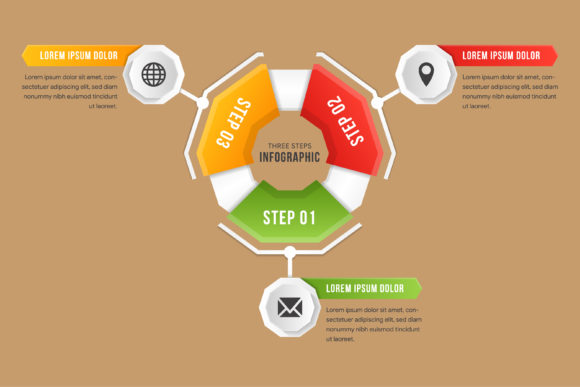
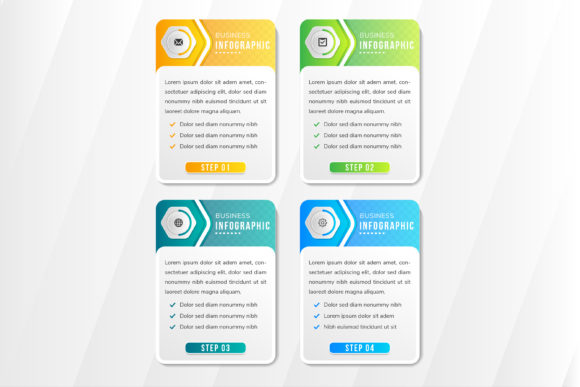
The Rectangle Infographic Four Step template offers a modern, structured way to present sequential information. Its vertical layout features four abstract rectangles with rounded sides, each subtly distinct in color—orange, green, blue gradient—making it easy to guide viewers through processes, strategies, or instructions. Designed with clean lines and soft curves, this infographic style balances professionalism with approachability, fitting seamlessly into both digital and print projects.
Visual Style and Design Personality
This design template leans into minimalism without sacrificing visual interest. Each of the four steps is housed in a rounded rectangle, vertically stacked with a slight offset that creates a natural visual flow. The color variations—warm orange, fresh green, and deep blue gradient—allow for intuitive labeling and visual hierarchy without overwhelming the viewer. The soft curves and clean spacing give it a modern, user-friendly aesthetic that works across industries.
Because of its structured layout and adaptable color scheme, the Rectangle Infographic Four Step is ideal for explaining processes in a way that feels intuitive and visually engaging. Whether used for business strategies, instructional guides, or product breakdowns, this template maintains clarity while enhancing readability.
Where This Infographic Template Works Best
This infographic design is versatile enough for a wide range of applications. In digital marketing, it’s perfect for landing pages, explainer sections, or service breakdowns. Bloggers and content creators can integrate it into how-to guides or comparison posts. For branding and editorial design, it helps break down complex ideas into digestible visuals, especially in reports, whitepapers, or presentations.
- Web design: Use as a step-by-step feature on service or product pages.
- Print materials: Incorporate into brochures, infographics, or instructional manuals.
- Social media: Repurpose into carousel posts or educational graphics.
- Packaging design: Highlight product features or usage instructions.
Because it’s built with 100% vector graphics, you can scale it without losing quality, making it suitable for both high-resolution print and responsive web design. Its editable text and color options mean it can easily align with existing brand guidelines.
Design Value and Audience Engagement
Infographics like the Rectangle Infographic Four Step do more than just look good—they improve how information is absorbed. The visual separation of each step supports better comprehension, especially for audiences who prefer skimmable, visual content. When used in digital formats, this layout can also improve user engagement by guiding the eye through a logical sequence without clutter.
In branding contexts, consistent use of such templates builds professionalism and recognition. When viewers see a familiar structure—like the rounded rectangles and color-coded steps—they begin to associate those visuals with your brand’s clarity and organization. This consistency helps reinforce trust and makes your content more memorable.
Choosing the Right Design Elements
When working with the Rectangle Infographic Four Step, consider how each element contributes to overall readability and brand alignment. Start by evaluating the visual hierarchy—are the steps clearly labeled? Is the color contrast sufficient for accessibility? Since the design is editable, you can tweak shapes, text size, and background tones to match your project’s tone.
Also, think about how this template interacts with other design assets. If you're using it in a larger layout—like a website or presentation—make sure it complements the surrounding elements. For example, pairing it with a clean sans-serif font enhances its modern appeal, while adding subtle shadows or borders can give it more depth.
Practical Tips for Using This Infographic Layout
Here are a few actionable tips to make the most of the Rectangle Infographic Four Step in your projects:
- Match your brand colors: Swap the default orange, green, and blue gradients with your brand’s primary colors for consistency.
- Use icons for clarity: Add small icons inside each rectangle to reinforce the meaning of each step.
- Test for responsiveness: If using on a website, check how the layout adjusts on mobile devices.
- Keep text concise: Each step should be a short headline with a brief explanation to maintain visual flow.
- Export in multiple formats: Take advantage of the included AI, EPS, JPG, and SVG files for flexibility across platforms.
Because this template is built with vector graphics, you can edit shapes, resize freely, and maintain sharpness at any scale. Whether you're creating a large banner or a small social media graphic, the quality remains intact.
Final Thoughts on Infographic Design
The Rectangle Infographic Four Step is more than a design template—it's a tool for better communication. Its clean structure, color flexibility, and adaptability make it a strong choice for professionals across design, marketing, and publishing. Whether you're crafting a presentation, designing a landing page, or putting together a report, this layout helps you present information in a way that’s both visually appealing and functionally effective.
By integrating this kind of well-organized, scalable design into your workflow, you ensure that your message is not only seen but understood. And in today’s fast-paced content landscape, that kind of clarity can make all the difference.